Map, Reader and Rules
A project opens on its Map. The project's sidebar lists Map first, then Overview, Rules and the other sections. Kapi Desktop shows the same screens, read from the server, so your team works from one record of what assistants noticed and what people decided.
Keeping a checkout's context on Bowrain
The Map and Rules read the project's context: the suggestions assistants
recorded and the decisions people made about them. When that context lives on
the server, every checkout of the project reads the same decisions. A project
connected from a checkout keeps its context on Bowrain when its recipe names
the bowrain backend:
context:
  backend: bowrain
bowrain:
  url: https://app.bowrain.cloud/my-team/abc123
Every checkout of the project sends its suggestions to Bowrain and reads back the decisions people made in Rules.
To connect a checkout:
kapi share --via bowrain <server-url>connects the project and writes thebowrain:block. It leaves the context where it is.- Add
context: {backend: bowrain}tokapi.yaml. kapi context syncreads what the team decided and sends what this machine recorded.kapi sharethen reports the place as Managed on Bowrain.
The fields and the sign-in rules are in The project model.
Map
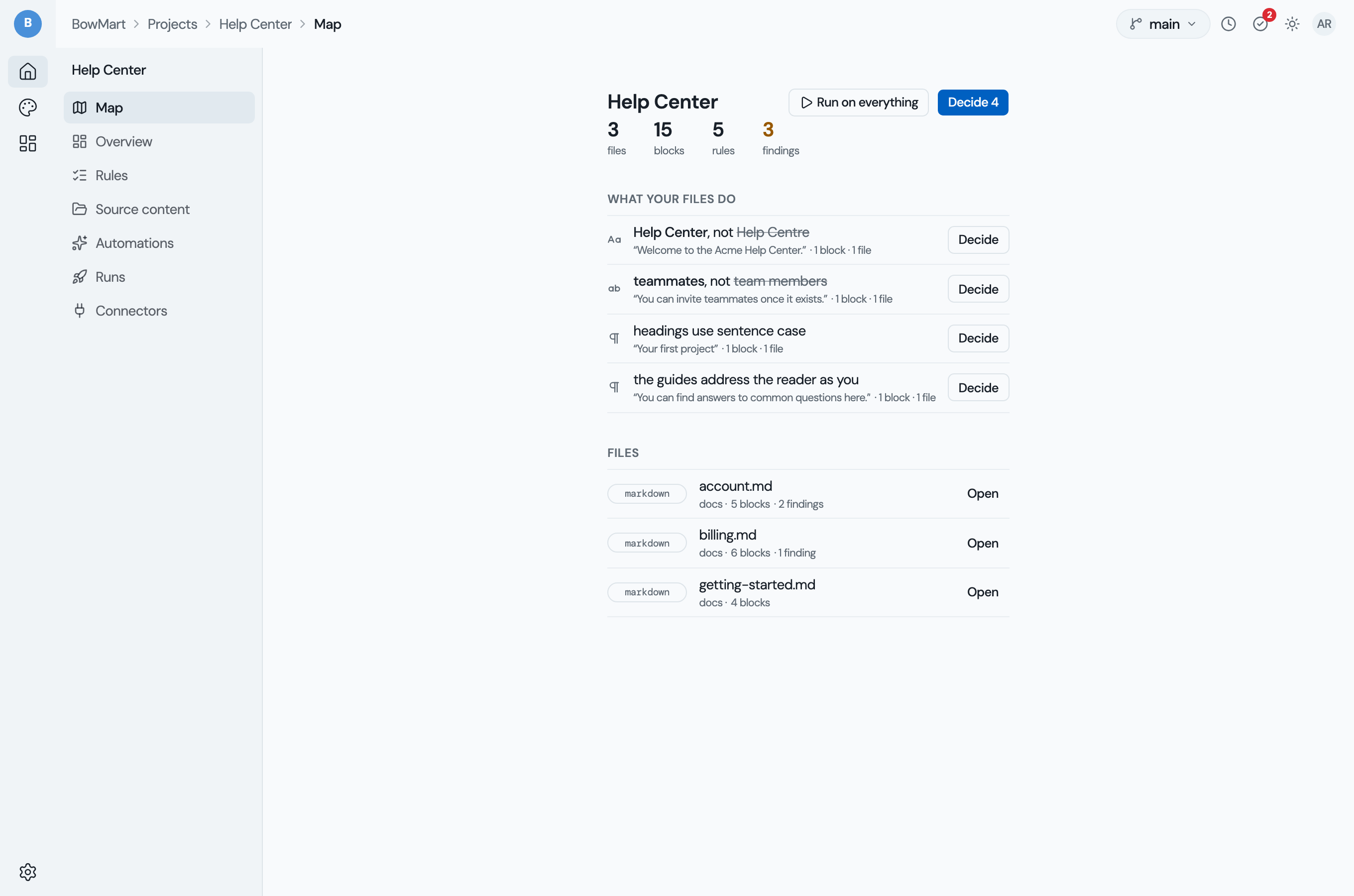
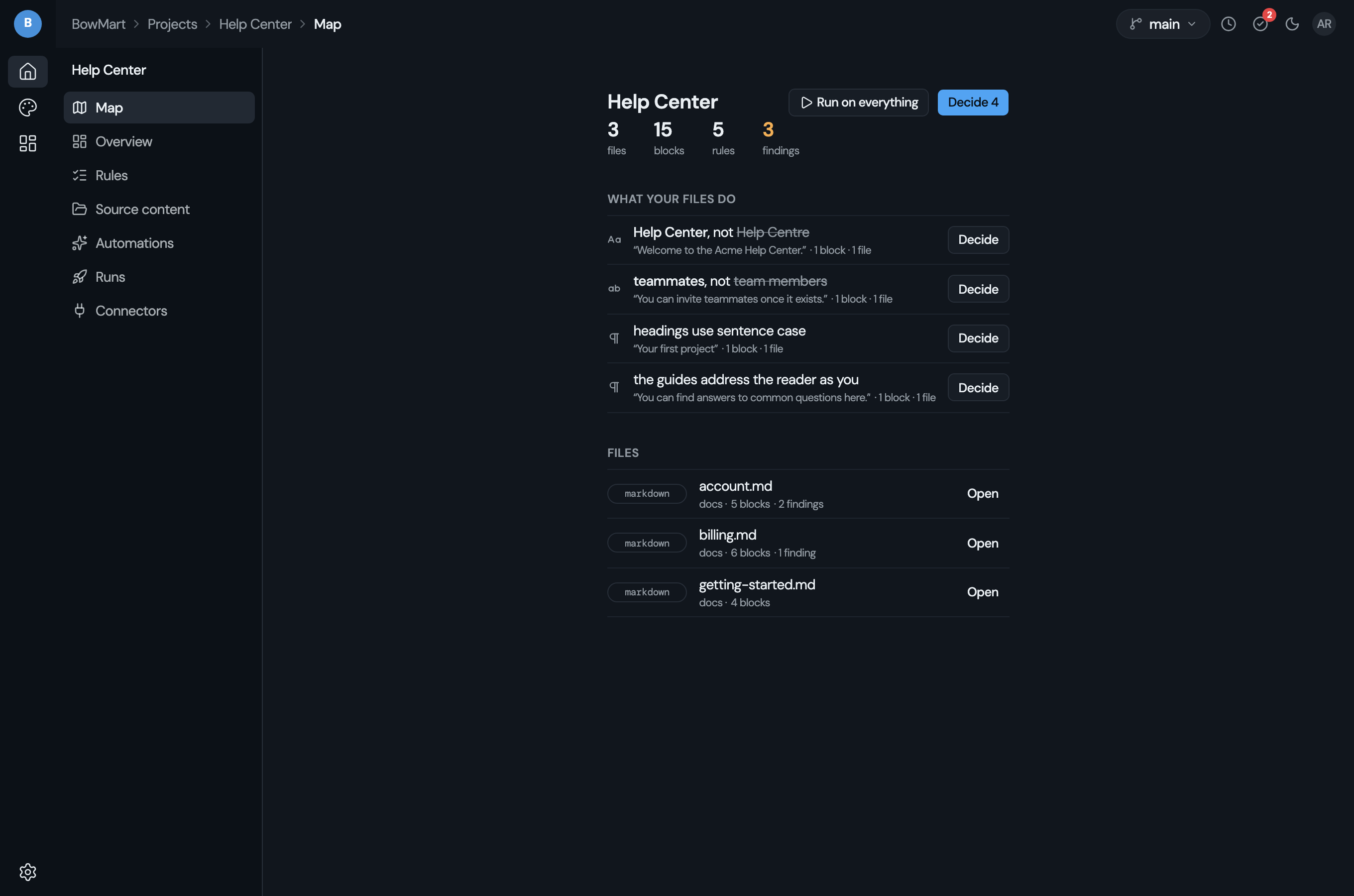
| Part | What it shows |
|---|---|
| Counts | Files, blocks, rules and findings. Rules opens the kept rules; findings reads Not checked yet until a check has run. |
| Decide | The number of suggestions waiting for a person. Opens Rules. |
| Run on everything | Checks every file on the server as one job, and the counts update when it finishes. Needs the review permission. |
| What your files do | One row per suggestion nobody has decided: its kind, the rule, a quote from your files, and how many blocks and files it was seen in. Decide on a row opens Rules at that question. |
| Files | One row per file with its findings. A row opens the file in the Reader. |
Reader
The Reader shows one file: its blocks, each finding under the block it is in, and in the margin the rules that hold at that file.
- Fix on a finding files a source proposal. The file stays as it is until someone approves the proposal.
- Fix N in this file files one proposal per block with a fixable finding. It shows only while no fix on the page has been filed.
- Proposed replaces Fix once it is filed, with the proposal's id as its title; it opens Source change proposals.
- Approve & re-draft in that list applies the change and keeps every
inline code. Approving needs the
edit_sourcepermission; filing needsreview. - Edit by hand marks a finding that no automatic fix resolves.
- Map returns to the Map.
Rules
Rules holds the team queue above Kept by.
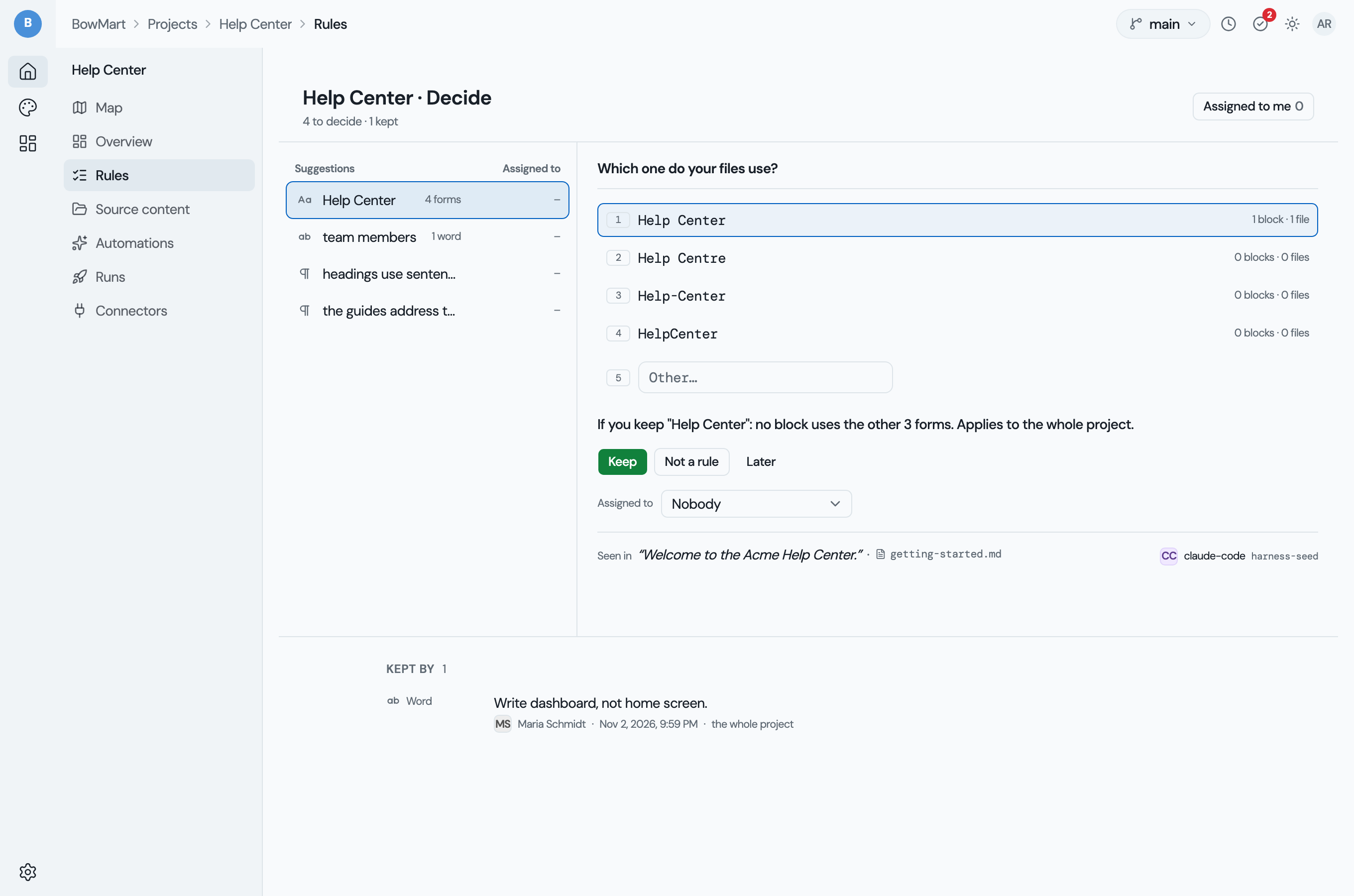
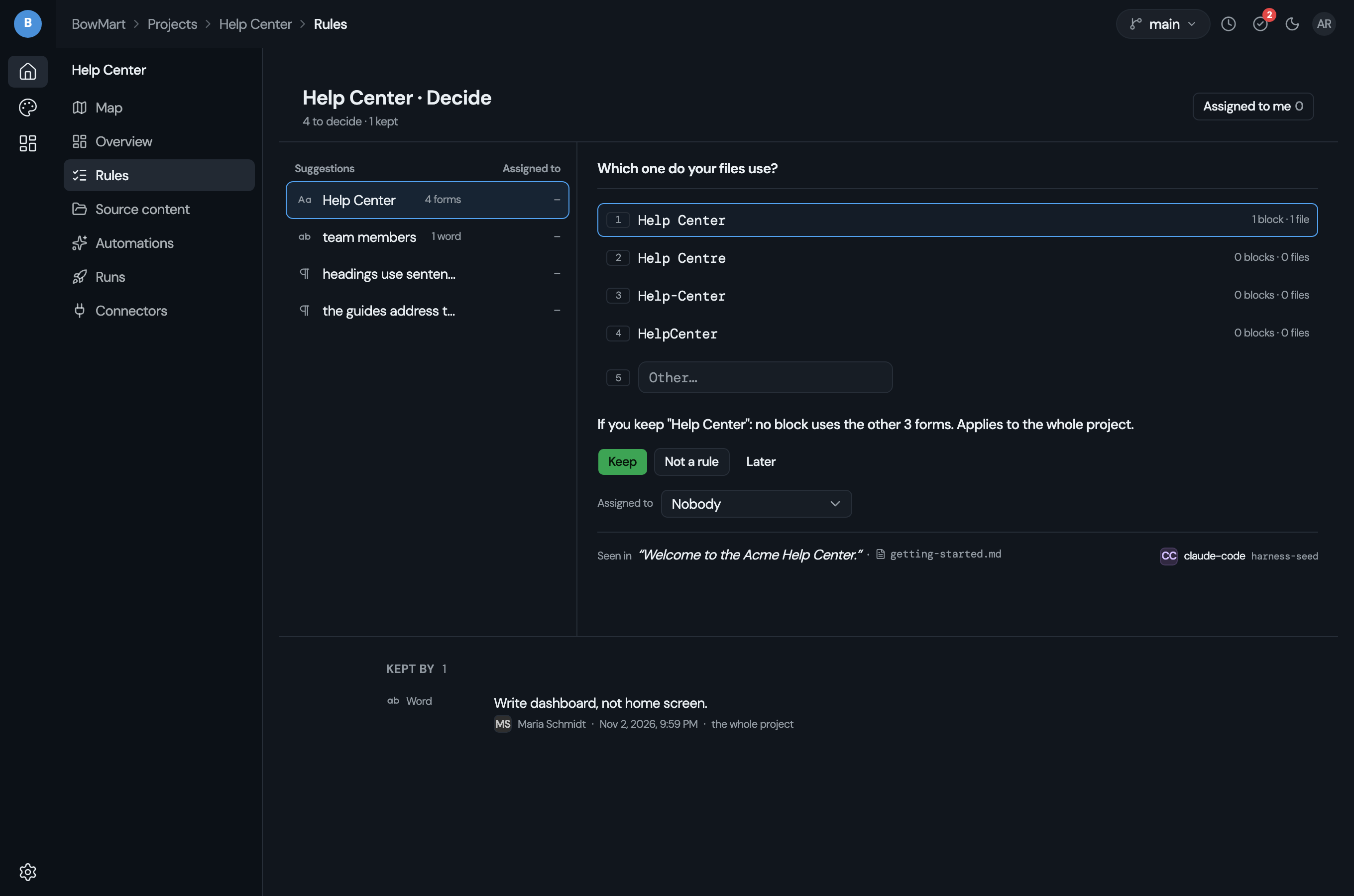
| Part | What it shows |
|---|---|
| The queue | One row per suggestion waiting for a decision, beside the question about the selected one. |
| Assigned to | The member a question is assigned to, or a dash. The picker in the question lists the workspace's members and Nobody. |
| Assigned to me | A filter on the queue: the questions assigned to you. |
| Keep, Not a rule, Later | The answers. Keep and Not a rule record the decision as you, in the project's context. Later records nothing and keeps the assignee. |
| Kept by | One row per rule in force: its kind, the rule, who kept it, the day and where it holds, newest first. |
Answering a question needs the permission its kind takes: manage_terms for
a name or a word, manage_voice for a note, and manage_memory for a
memory pair. Without one of them, Rules shows the queue with no answers.
The workspace's review inbox counts Rules waiting per project, with how many are assigned to you. A project's row opens Rules, filtered to Assigned to me when you hold assignments there.
Related
- The project model: the recipe and the
context:block - Members and roles: the permissions named above
- Review: the session and the inbox